
Please visit macfunamizu.com. This blog will be redirected to the new one. Thanks!
Latest
Video
Infographic Movie for National Institute of Informatics
I made the concept and designed all the elements in this fun infographic movie for NII (National Institute of Informatics) a while ago. Really enjoyed the whole process of making this.
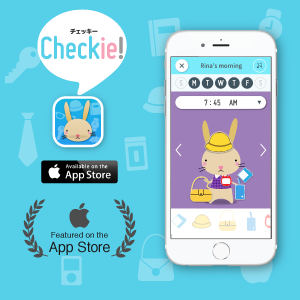
Checkie! – Image-based carrying list app
Hi. It’s been a long time since I posted last here.
The app I just released has been featured on the top page of App Store as “New App We Love”.

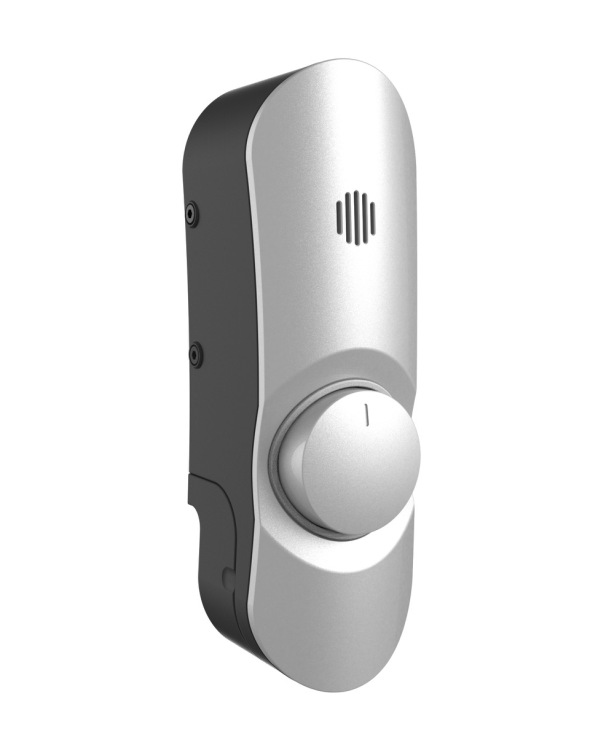
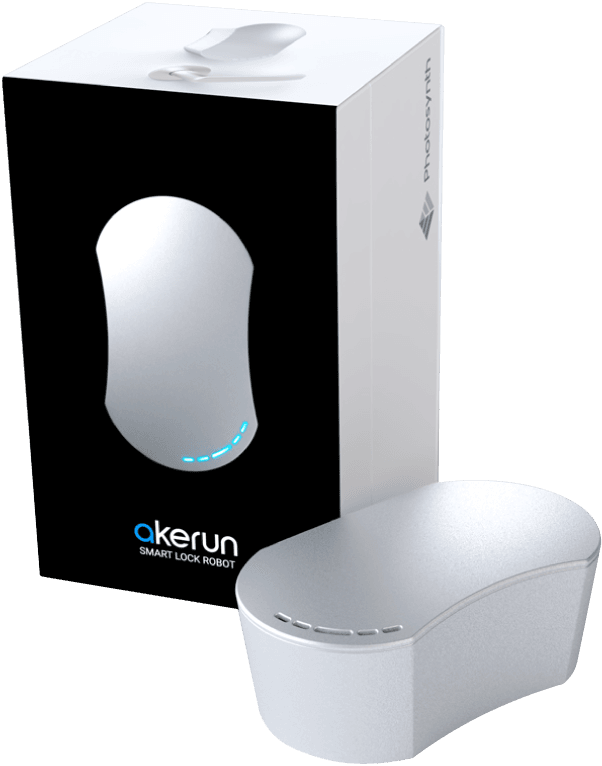
Product design of the ‘smartest’ smart lock robot

The newest smart lock is finally released. I’m honored to have a chance again to design such great products of Photosynth Inc. This time I designed not only the smart lock itself and the door censor, but the brand new NFC reader, which allows your ID card compatible with the NFC to replace your physical door key.



My app wins Platinum Award & featured on App Store!

SUM! just received the Muse Creative Awards – Platinum Award!
It’s such an honor to receive the highest rank of an international design award. All the characters are just so surprised as well.
Enfani keeps creating quality and fun products that make people happy.
http://museaward.com/winners/3/77/406

SUM! – iPhone Math Game App
My first iPhone app!
I’m so glad to introduce this app born completely from my idea to you all.
Math with Lovable Numbers!
SUM! is a fun math game that teaches the concept of addition and subtraction through play. In the app, the nature of the numbers is represented as the personality of the characters. Just as each child has a unique individuality, each number has a unique face and personality! It’s an app for not just kids, but for everyone, to enjoy adding and subtracting to build familiarity with numbers. Spot lots of fun secret tricks by touching lovable numbers!
Character names wanted!
Characters from 1 to 10 want cute names associated with the meaning of each number. Download the app and write a review with your ideas!
Characters from 1 to 10 want cute names associated with the meaning of each number. Download the app and write a review with your ideas!
Download at the appstore.
______________________________
SUM Team
SUM Team
Mac Funamizu: App Concept, Character Design, UI/UX Design, Animation
Takaharu Matsumoto: Character Design
Goichi Hirakawa: Programming
Shintaro Tanaka: Music
Takaharu Matsumoto: Character Design
Goichi Hirakawa: Programming
Shintaro Tanaka: Music
______________________________
SUM! Soundtrack!
https://itunes.apple.com/us/album/sum!-original-soundtrack-single/id1032625101?l=en
SUM! Soundtrack!
https://itunes.apple.com/us/album/sum!-original-soundtrack-single/id1032625101?l=en
______________________________
Related Info
Related Info
English
http://enfani.jp/en/original/
http://enfani.jp/en/original/


New Company in 2016
Hi guys. How did you like 2015? This year was a preparation period for me to do a business I’m thinking of for a while. It’s almost ready and I guess it’s a good chance to let you know.
I’ll start a company to officially launch a new product, which will lead to a large framework in a later stage. The company’s mission is to create framework where creative ideas & inspirations are used for other people to increase the level of human intellect. Actually the new product to be launched soon is a brand-new version of the app I released in 2015 but this time it’s completely designed to work in the business scheme I’m planning.

The first app will be released soon. This time adults, not only kids can very much enjoy playing I’m sure. I’ll let you all know when it’s ready for download.
Hope you all have a great year in 2016! Talk to you soon!
Got Good Design Award 2015!
I got the Good Design Award!
Good Design Award is the Japanese comprehensive design evaluation and commendation system, operated by the Japan Institute of Design Promotion.
“Akerun” a smart lock robot I designed for Photosynth Inc. has received the Good Design Award 2015. I really appreciate the people of the company for the opportunity to embody such a great concept into a product. The value of this product, I believe, is not composed only of the superficial design, but of the great combination of the beautiful UX/UI designs of the app that realize a high degree of usability and comfort, polite and friendly customer support, etc. all for the purpose of “the most smooth experience at a door without keys”.
For Akerun, I made the product design of the smart lock as well as the brochures, packages, pamphlets etc. and worked on its branding. Together with the company, we’ll be creating great stuff for many years to come! Also I’m personally thinking of making sooooo exciting stuff (IoT).
http://www.g-mark.org/award/describe/42540?token=rLteXHGgoC&locale=en

グッドデザイン賞獲りました!
この度、私がデザインした株式会社フォトシンス(Photosynth Inc.)のスマートロックロボット「Akerun」がグッドデザイン賞2015を受賞いたしました。受賞にあたっては、筐体デザインの機会を与えていただいた同社の皆様のご協力に非常に感謝しております。このプロダクトの価値は、『鍵を意識しない、最高の開閉体験』を実現すべく社員の方々が結集して作り上げられたものであり、使いやすさや心地よさを実現している素晴らしいアプリのUX/UIデザインや熱心で親切なサポートなどがあってのものだと信じています。
Akerunに関しては筐体だけではなくパッケージ、パンフレットのデザインやブランドを担当させていただきました。今後もプロダクトを中心にいいモノを作り出していきますので、応援お願い致します! 個人的にも超ワクワクするモノ創りを考えています。
Will Start a Company!
I really thank all the companies and people (mainly startups CEOs) who have talked to me about very interesting projects. Currently I’m working freelance as a designer, but I decided to start a company focusing on design. Also, utilizing the skills and experiences I’ve acquired while helping several startups, I’ll do my own business (starting from small).
As types of work I take on project basis (same as before)
- Product designs– Concepts, Products, Digital Signage, etc.
- Solutions– Brand, Graphic/web/app design UI/UX, motion
The company title “Enfani” comes from French words “enfant (child)” and “infini (infinite)”. It aims to ultimately increase the level of human intellect by sharing buried (mainly, but not limited to kids’) talents, touching words and discoveries. Humanity’s best part must lie in pure minds.
The strength of my designs is that I bring out your inner playfulness through my designs, which enthral not only children but also adults. I aim to produce things that bring as much shock and pleasure to adults, as children.
As for my own business, I’m also involved in developing our original products, like the iPad app that was just released yesterday. But the products are planned to offer much more than enjoyment from play in later stages, which I’ll elaborate soon. First of all , here’s the app.


Available on iPad
Plus? Minus? Equal? Just feel them before going math!
When teaching someone to calculate for the first time, numbers can often be represented by a shape, like a circle. Use of shapes allows for a visual understanding of the concept, since the quantity of shapes increases when added, and reduces when subtracted. SUM! is an app that teaches the concept of addition and subtraction in a similar manner through play. Moreover, it is fun as a simple game. In the app, the nature of the numbers is represented as the personality of the characters. Just as each child has a unique individuality, each number has a unique face and personality. It’s an app for not just kids, but everyone, to enjoy adding and subtracting to build familiarity with numbers.


Available on iPad
As I mentioned, this app is just a first product and not the goal.
Akerun– Smart Lock Robot Now on Sale
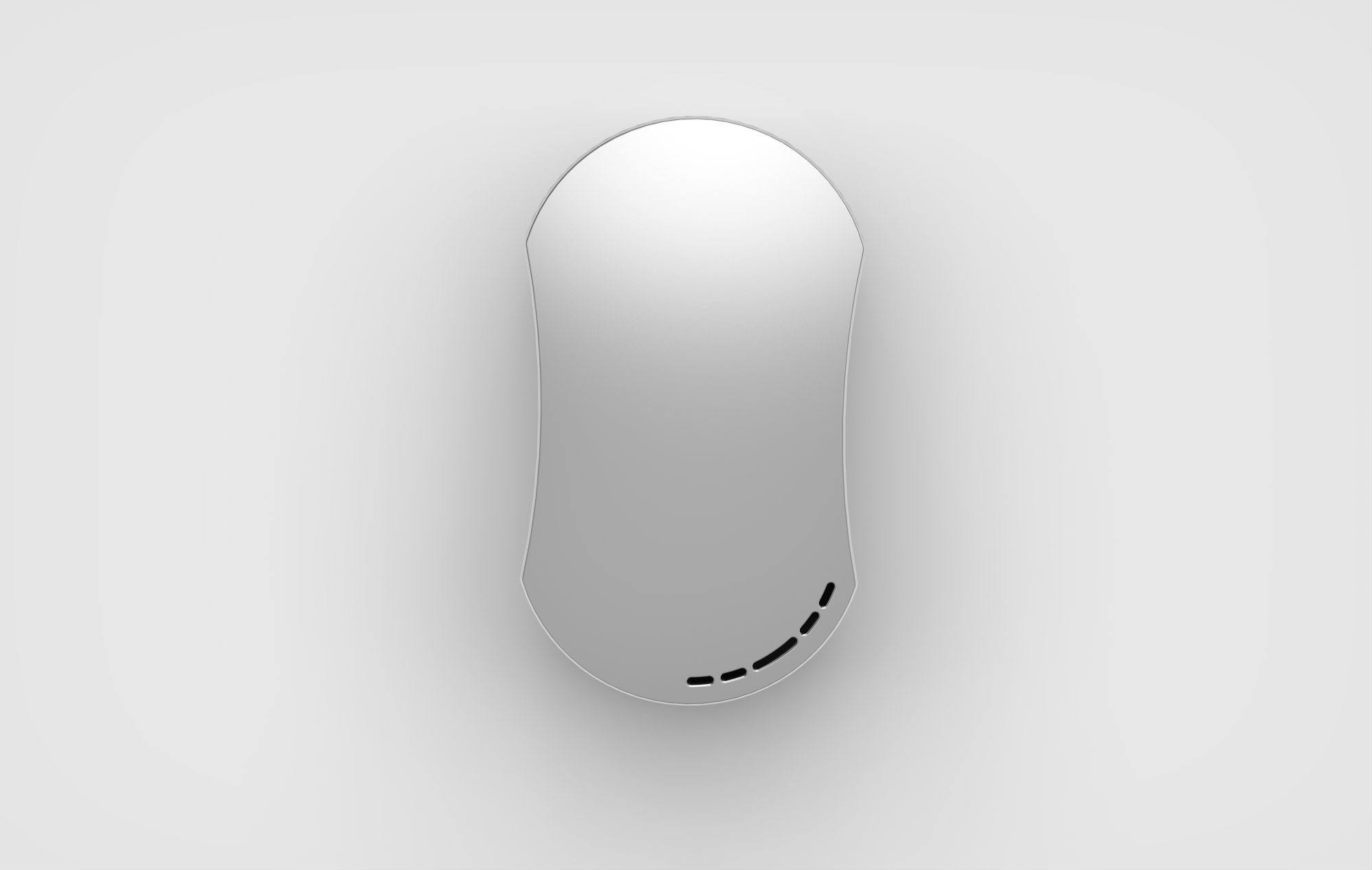
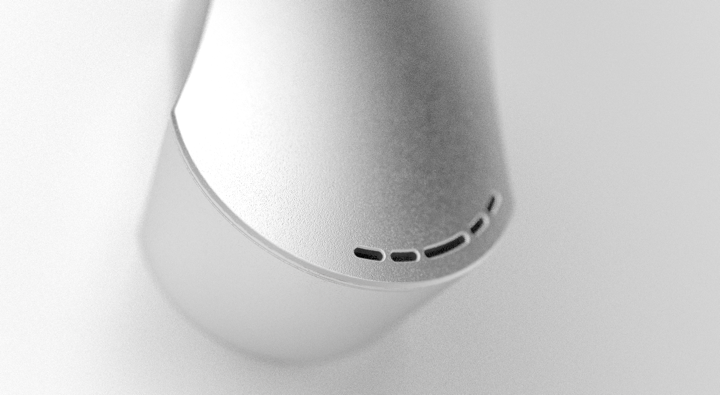
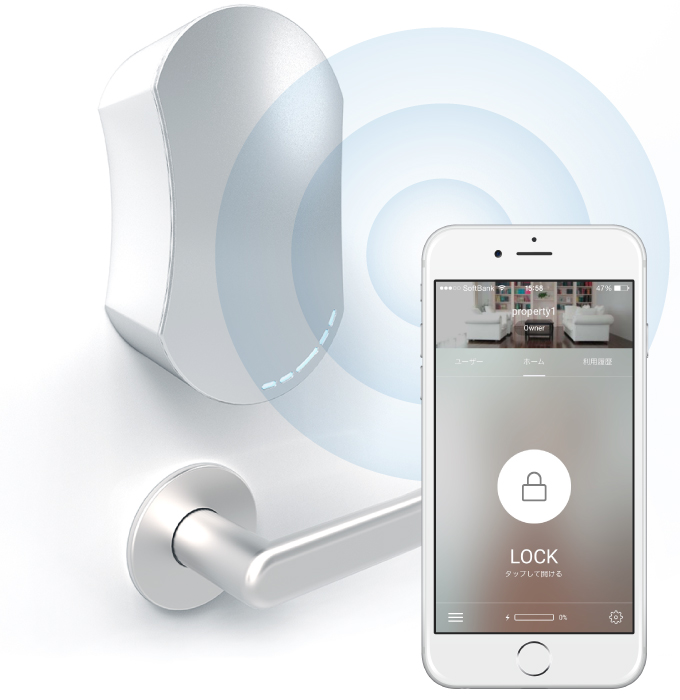
The smart lock robot I introduced on my previous post is finally ready. First time the product I designed is on sale!
I made the product design of the smart lock, brochure, package, pamphlet, infographics and worked on its branding.





 petitinvention